
Office Chairs
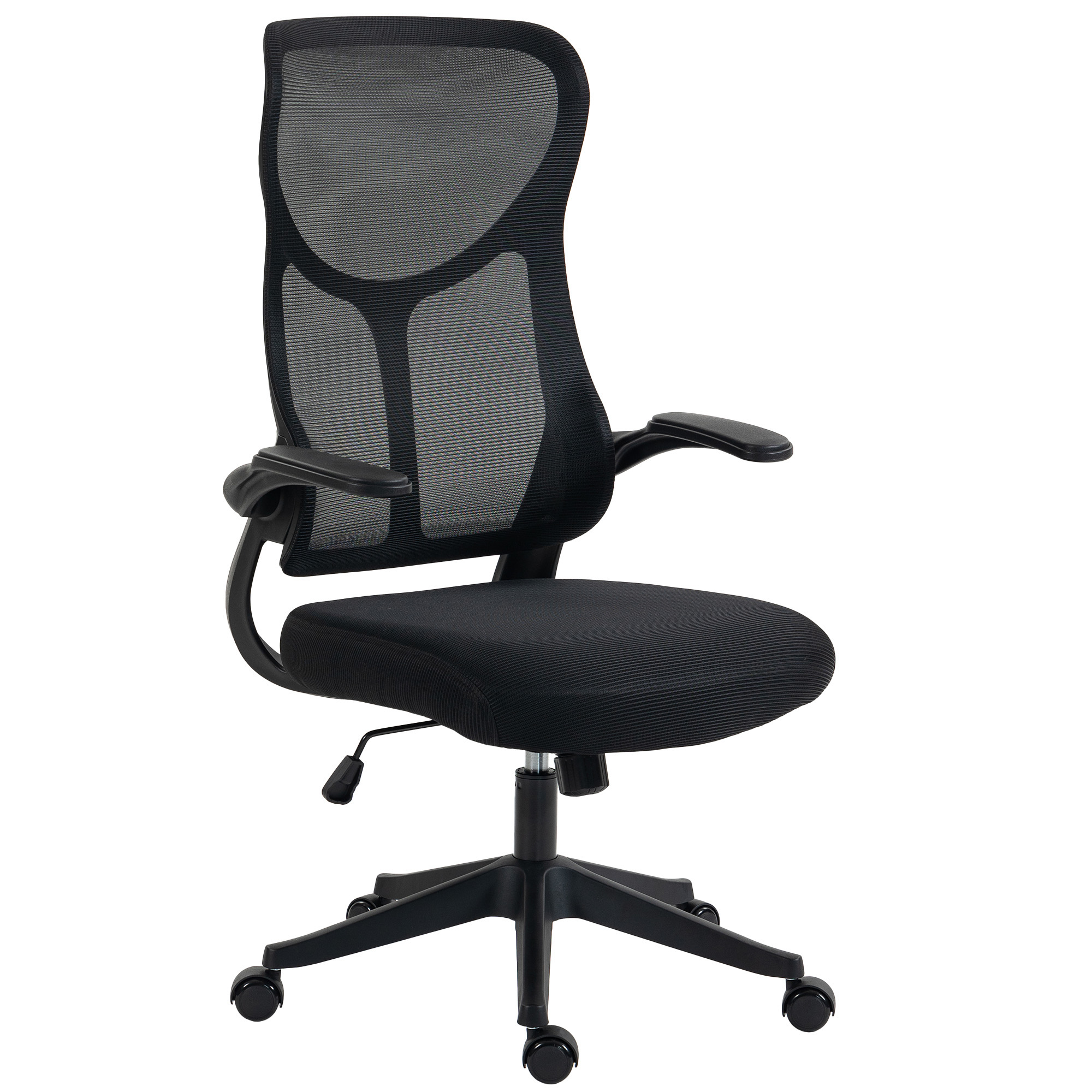
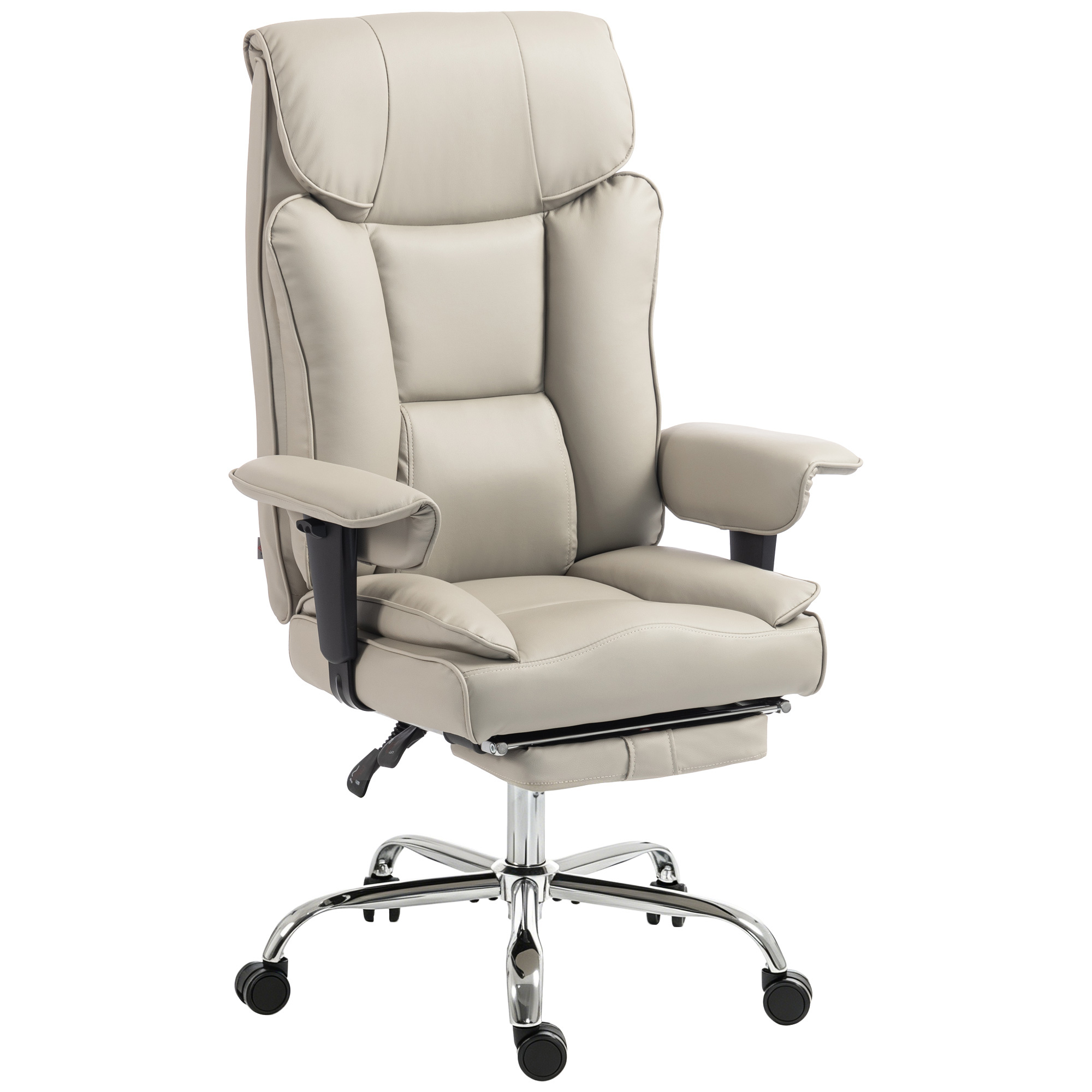
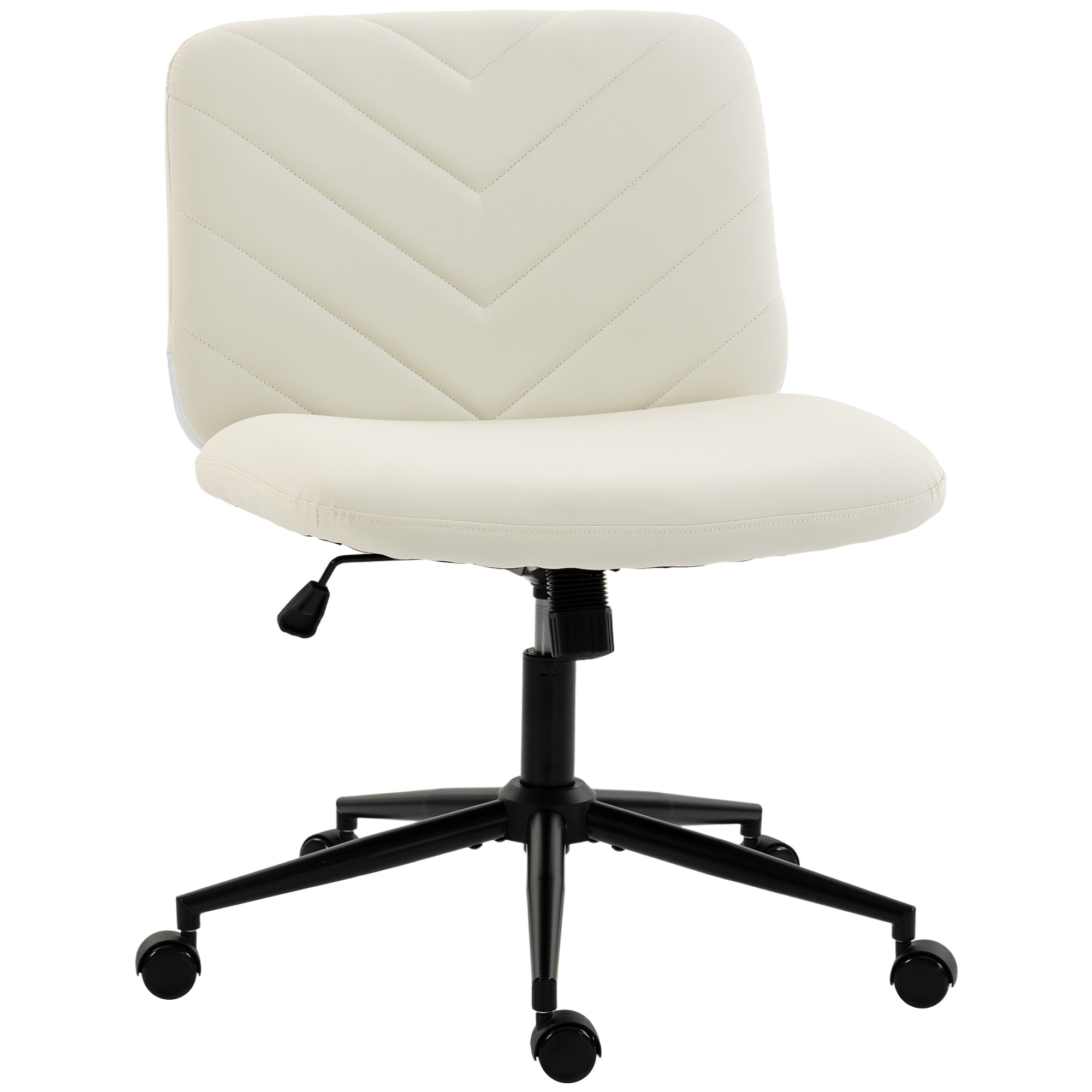
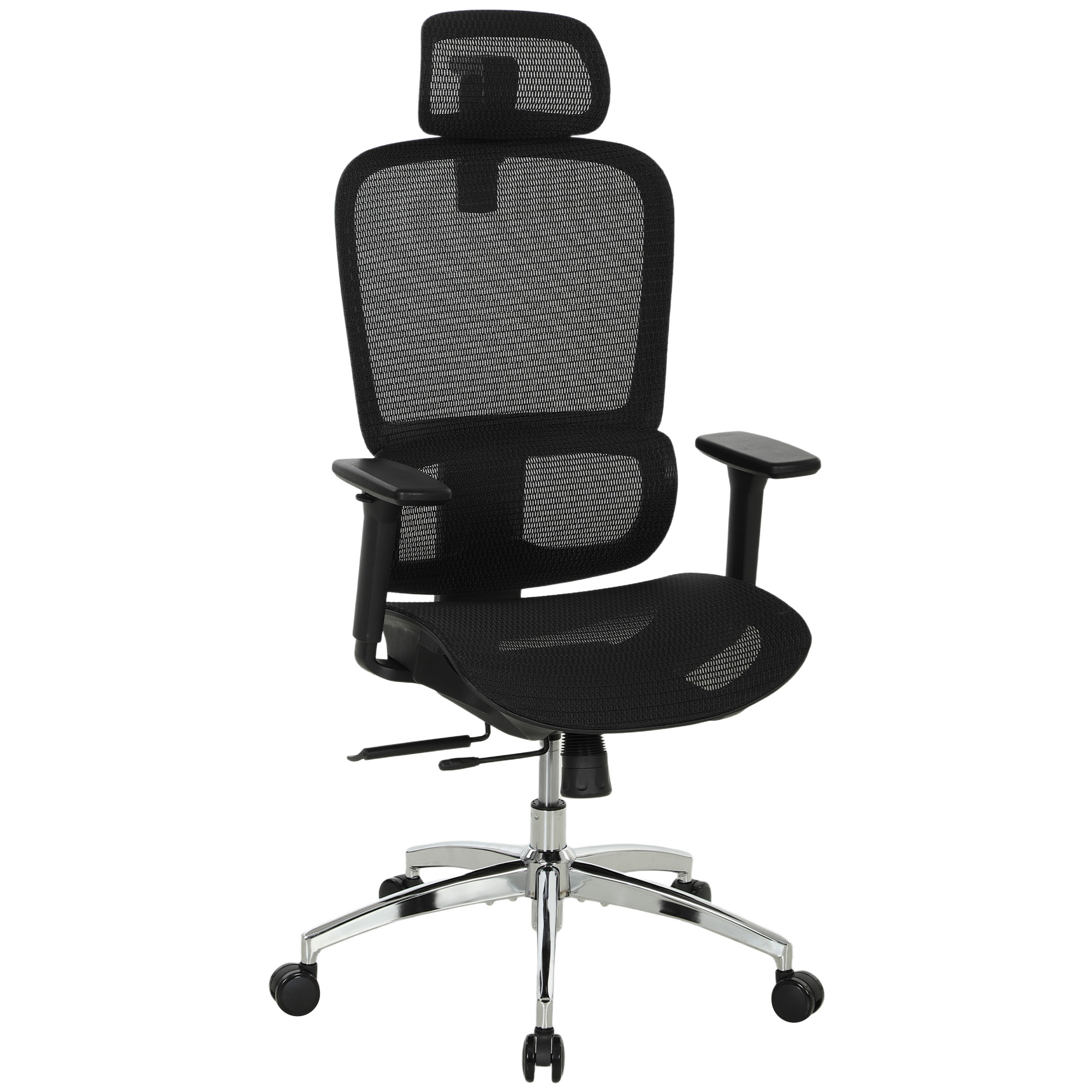
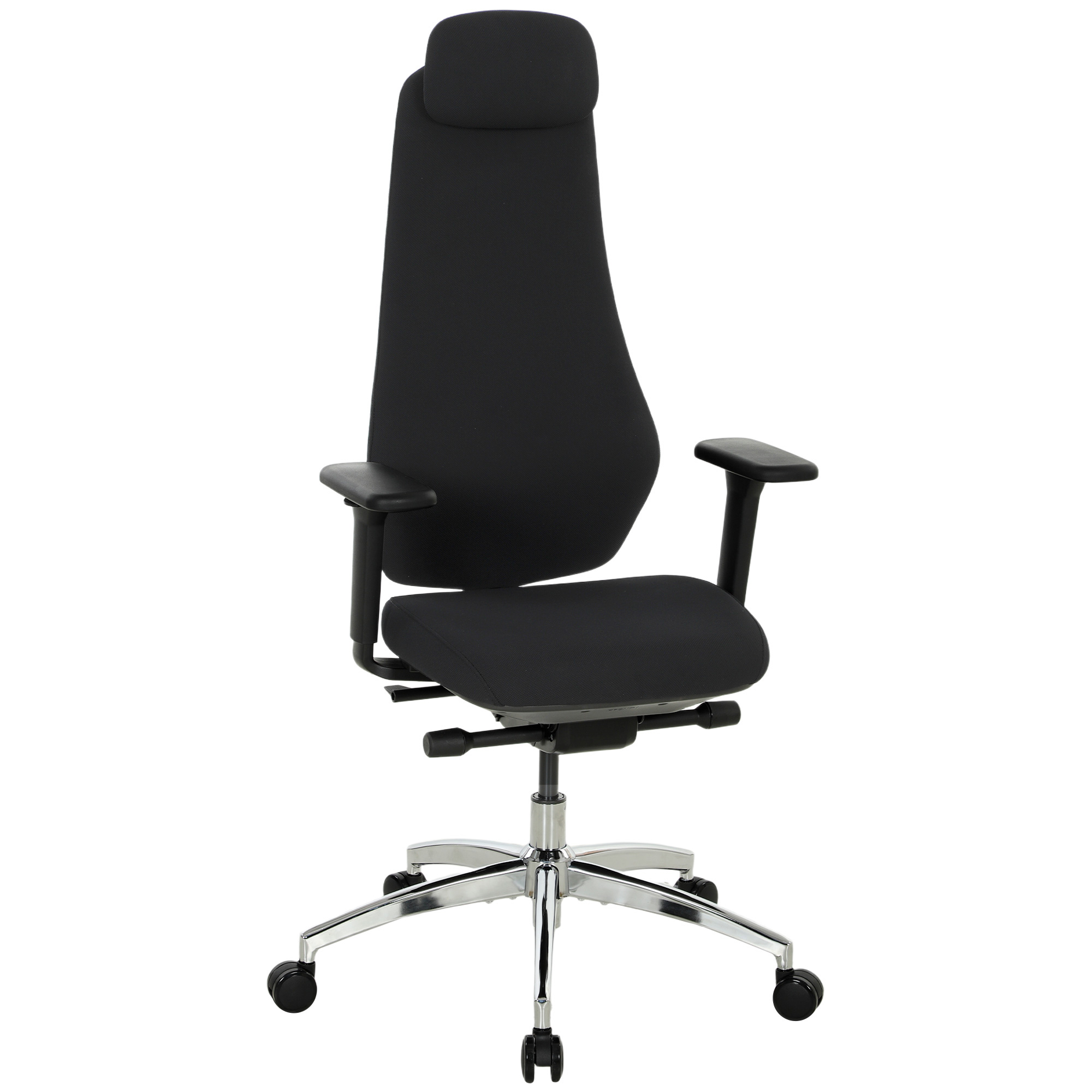
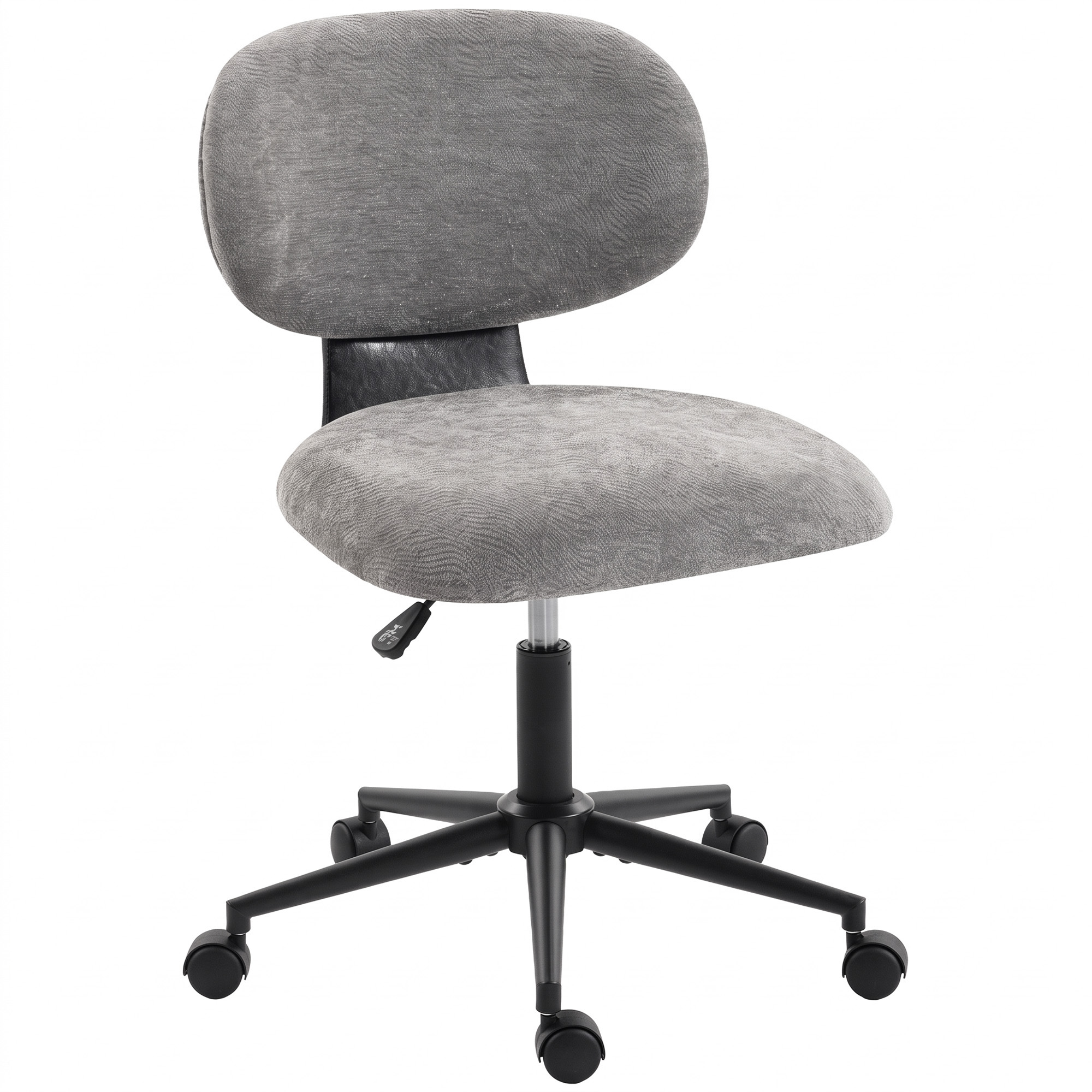
A Better Workday Starts with the Right Office Chair
Whether you are working through a full day of meetings, concentrating on a project or managing everyday tasks from home, the chair you use influences how comfortably your workspace functions. A well-designed office chair should do more than provide a place to sit. It should allow you to adjust your position, support your preferred working posture and move naturally around your desk.
The Aosom EU collection brings together ergonomic office chairs, mesh desk chairs, executive chairs, gaming chairs and adjustable task seating. From compact swivel chairs for smaller home offices to high-back models with adjustable lumbar support, headrests and reclining functions, discover seating designed for different working styles and desk setups.
Start with the Way You Work
An office chair should match the activities you perform most frequently. A chair designed for occasional desk use may not offer the same adjustment options as one intended for extended computer work. Similarly, a gaming chair with a reclining backrest and footrest serves a different purpose from a compact task chair designed to fit beneath a small desk.
- Home office work – Ergonomic swivel chairs with adjustable height, lumbar support and comfortable armrests
- Computer-based tasks – Mesh office chairs with breathable backrests and adjustable positioning
- Executive workspaces – High-back office chairs with wider seats, padded cushioning and supportive construction
- Gaming and entertainment – Gaming chairs with reclining backrests, headrests and extendable footrests
- Compact workstations – Armless desk chairs and space-saving swivel designs
- High work surfaces – Adjustable drafting chairs and office stools with footrests
Choosing according to your working routine makes it easier to identify the features worth prioritising instead of paying for adjustments you may rarely use.
Massage Office Chairs: Add Relaxation Features to Your Workspace
An office chair can do more than support your everyday working position. Massage office chairs combine conventional desk seating with additional relaxation features, making them an interesting option for people who want more flexibility between focused work and rest periods.
Explore massage office chairs with heating and vibration functions from HOMCOM and Vinsetto, featuring integrated massage points, adjustable backrests, height adjustment and retractable footrests.
Depending on the model, massage office chairs can feature 2-point, 4-point or 6-point vibration massage systems, with selected designs offering additional lumbar heating. Wired remote controls make it convenient to select available massage settings, while integrated side pockets provide handy storage for the remote and other small essentials.
Some models combine massage functions with reclining backrests, padded headrests and extendable footrests, allowing you to switch from an upright working position to a more relaxed seating arrangement. Selected designs also feature USB connectivity and adjustable massage timers.
What to Compare When Choosing a Massage Office Chair
- Massage points – Compare the number and positioning of vibration points, particularly around the back and lumbar area.
- Massage settings – Check the available modes, intensity options and timer functions.
- Heating function – Selected models provide additional lumbar heating alongside vibration massage.
- Reclining adjustment – Look at the available backrest angle and whether a retractable footrest is included.
- Remote control – Check how massage and heating functions are operated and whether the remote is wired.
- Everyday seating features – Adjustable seat height, padded armrests and suitable lumbar support remain important when using the chair for desk work.
A massage office chair should still fit your workstation properly. Check its seat dimensions, height range, weight capacity and desk clearance before purchasing. Massage and heating functions are additional comfort features rather than substitutes for an ergonomic seating setup or regular movement breaks.
Ergonomic Office Chairs: Adjust Your Seat Around Your Body
An ergonomic office chair is designed to offer adjustable support rather than forcing every user into the same sitting position. Features such as adjustable seat height, lumbar support, headrests and movable armrests help adapt the chair to different body proportions and workstation arrangements.
Explore ergonomic desk chairs for home and office work with different backrest designs, cushioning options and adjustment mechanisms.
Selected HOMCOM and Vinsetto models include adjustable lumbar support, curved backrests, reclining mechanisms, adjustable headrests and multi-directional armrests. Some advanced designs also offer adjustable seat depth, allowing the sitting area to be adapted more precisely.
The most useful ergonomic features are those that allow you to maintain a comfortable working position throughout the day. Look for adjustments that match your body proportions and the height of your desk rather than relying on the number of features alone.
Get the Seat Height Right Before Anything Else
Seat height is one of the most important adjustments because it determines how your body relates to the desk and floor. When seated, your feet should rest comfortably on the floor, with your knees positioned at approximately a right angle or slightly more open, depending on your proportions.
Your forearms should be able to reach the desk comfortably without lifting your shoulders. If the chair is too high, your feet may lose contact with the floor. If it is too low, you may find yourself leaning forward or raising your shoulders to reach the work surface.
Most adjustable office chairs use a gas-lift mechanism to change seat height. Check the stated minimum and maximum seat heights against your own measurements and the height of your desk before ordering.
Lumbar Support: Pay Attention to the Lower Back
The lumbar region is the lower part of the spine, where the natural inward curve of the back is most noticeable. An office chair with lumbar support is designed to provide additional contact in this area and help maintain a more comfortable seated position.
Different chairs approach lumbar support in different ways. Some use a fixed curved backrest, while others feature adjustable lumbar pads, inflatable support cushions or multi-directional mechanisms.
When comparing models, consider:
- Fixed lumbar support – Integrated into the shape of the backrest for a consistent supporting position
- Adjustable lumbar support – Allows the support position or pressure to be changed
- Inflatable lumbar cushions – Provide adjustable cushioning on selected models
- Multi-directional lumbar systems – Offer additional adjustment in height, depth or positioning depending on the design
The support should feel comfortable rather than force your lower back into an unnatural position. A chair with more adjustment options is not automatically better if the adjustments cannot be set comfortably for your body.
Choose a Backrest That Matches Your Working Style
Backrest height influences the amount of support and the overall feel of an office chair. Low-back and mid-back designs offer a more compact appearance, while high-back chairs provide a larger supporting surface.
Some models include adjustable headrests to provide additional support around the upper back and head. These can be useful when changing between upright working and more relaxed reclining positions.
If you spend long periods at a computer, compare the backrest height, shape and adjustability rather than selecting a chair based on its overall size. The backrest should complement your posture without interfering with your natural movement.
Mesh or Upholstered Office Chairs: Which Should You Choose?
The material of an office chair affects airflow, cushioning, maintenance and appearance. Aosom's current range includes breathable mesh, PU and faux leather, linen-effect fabrics, chenille, velvet-look upholstery, teddy fleece and other padded finishes.
- Mesh office chairs – Breathable backrests allow airflow and create a lighter seating design, making them a popular choice for computer work.
- PU and faux leather office chairs – Offer a smooth, structured finish that can generally be wiped clean according to the care instructions.
- Linen-effect upholstery – Provides a fabric appearance suited to home offices and contemporary interiors.
- Chenille and velvet-look chairs – Introduce a softer decorative texture while maintaining a dedicated workspace seating function.
- Teddy fleece and plush upholstery – Create a softer appearance, particularly suited to bedrooms, dressing areas and home workstations.
For a warmer or less formal home office, fabric upholstery can integrate more naturally with residential furniture. For a workspace where quick surface cleaning is a priority, a smooth synthetic covering may be more convenient.
Remember that a mesh backrest does not necessarily mean the seat itself is mesh. Many models combine a breathable back with a padded fabric or foam seat, offering a balance between ventilation and cushioning.
Make the Most of Adjustable Armrests
Armrests influence how comfortably your arms can rest while typing, reading or using a mouse. Ideally, your shoulders should remain relaxed and your elbows should sit close to your body rather than being pushed outward.
Different office chairs offer different armrest configurations:
- Fixed armrests – Provide a consistent resting position and a simple construction.
- Flip-up armrests – Can be raised to help the chair slide beneath a desk or create additional movement space.
- Adjustable armrests – Allow changes to height and, on selected models, angle or position.
- 4D and multi-directional armrests – Offer several adjustment directions for more personalised positioning.
Check the distance between the armrests and the underside of your desk. If the armrests are too high, they may prevent the chair from moving close enough to the work surface.
Adjustable Seat Depth: A Useful Feature for Different Body Proportions
Seat depth determines how much of your thighs are supported by the chair. A seat that is too deep can press against the backs of your knees, while a seat that is too shallow may provide insufficient thigh support.
Selected ergonomic office chairs feature adjustable seat depth, allowing the seat to move forwards or backwards. This can help accommodate different leg lengths and improve the relationship between the seat edge and the backrest.
When seated with your back against the backrest, aim to leave a small gap between the front edge of the seat and the backs of your knees. The exact fit depends on your body proportions and the chair's design.
Gaming Chairs: Designed for Work and Play
A gaming chair is not only for gaming. Its high-back design, padded seating, reclining backrest and additional cushions can also appeal to people who use their computer for entertainment, creative projects and everyday desk activities.
Explore gaming chairs with reclining backrests and adjustable support from HOMCOM and Vinsetto, featuring racing-inspired designs, removable headrests, lumbar cushions and retractable footrests.
Selected models offer reclining angles of up to 135°, adjustable seat heights, swivel bases and padded armrests. Some designs also feature distinctive colours and decorative details for gaming rooms and personalised workstations.
If the chair will also be used for work or study, pay particular attention to seat dimensions, armrest positioning and lumbar support. A visually striking design should still provide a comfortable fit for everyday desk use.
Executive Office Chairs: More Room and a More Structured Look
Executive office chairs are generally characterised by their high backs, wider seats, substantial cushioning and more prominent appearance. They can be a suitable choice for dedicated home offices, management workspaces and larger desks.
The Aosom collection includes selected wide-seat designs with pocket-spring cushioning, padded armrests, high-back support and reinforced gas-lift components.
For example, some HOMCOM executive chairs feature wide seating surfaces, inflatable lumbar support and flip-up armrests. These features can provide additional flexibility for users who prefer more room or need to adjust the chair around their desk layout.
Always compare the maximum supported weight, seat width, seat depth and overall dimensions. A higher weight capacity should not be treated as a substitute for checking whether the chair's proportions suit the intended user.
Compact Desk Chairs for Smaller Workspaces
Not every home office has a dedicated room. In apartments, bedrooms and shared living spaces, a compact office chair can make a workstation easier to integrate without dominating the surrounding interior.
Armless desk chairs are particularly useful where space between the desk and other furniture is limited. Their smaller profile can make them easier to move and tuck away after work.
Some models combine a curved backrest, adjustable seat height and 360° swivel function with a compact base. Others feature a padded upholstered seat that works equally well at a bedroom desk or dressing table.
For smaller rooms, compare the chair's full width and depth, including its base and casters. Also check whether it can slide beneath the desk when not in use.
Drafting Chairs and Adjustable Office Stools for Higher Desks
Standard office chairs are designed around conventional desk heights, but some workstations require a higher seating position. Drafting chairs and adjustable office stools provide an alternative for elevated desks, counters and specialised work surfaces.
Selected Vinsetto models feature extended height adjustment, swivel bases, footrests and supportive seating. These features can help create a more practical seating arrangement where a conventional office chair would sit too low.
When choosing a drafting chair, compare its complete height range with the work surface. A footring or adjustable footrest is particularly useful when the seat is raised, as it provides somewhere to support your feet.
Match Your Office Chair to Your Desk
A comfortable workstation depends on how the chair and desk work together. Even a well-designed office chair may feel uncomfortable if the desk is too high, the monitor is poorly positioned or there is insufficient room for your legs.
Before setting up your workspace, consider the following:
- Desk height – Adjust the chair so your forearms can reach the work surface without raising your shoulders.
- Legroom – Make sure the chair can move freely beneath the desk without hitting drawers or supports.
- Monitor position – Position the screen so you can view it comfortably without repeatedly leaning forwards.
- Keyboard and mouse – Keep frequently used equipment within easy reach to reduce unnecessary stretching.
- Chair movement – Allow enough room for the base and casters to move without hitting nearby furniture.
If you are also planning a workstation upgrade, explore office furniture and workspace solutions to find desks and complementary furniture for a more coordinated setup.
Features Worth Comparing Before You Buy
Office chairs can look similar at first glance, but small differences in adjustment mechanisms and construction can significantly affect their everyday use. Compare the following specifications before making your choice.
- Gas lift class – Check the specified gas-lift component and its supported weight capacity.
- Reclining angle – Compare the available backrest adjustment and locking positions.
- Seat construction – Look for foam density, pocket springs or layered cushioning where specified.
- Casters and base – Check the wheel design and base material for compatibility with your flooring.
- Maximum load capacity – Make sure the chair meets the manufacturer's stated user-weight limit.
- Assembly requirements – Review the included components and installation instructions.
For example, a chair with a Class-4 gas lift, pocket-spring seat and extra-wide design offers a different specification from a compact mesh task chair. The best choice depends on the user's dimensions, working routine and preferred seating features.
Adjust Your Chair for a More Comfortable Working Position
Even a chair with multiple ergonomic functions needs to be adjusted correctly. A few simple changes can help create a more suitable workstation.
- Set the seat height so your feet rest comfortably on the floor.
- Position the backrest so it supports your back without forcing an unnatural posture.
- Adjust the lumbar support to a comfortable position around your lower back.
- Set the armrests so your shoulders remain relaxed.
- Check the seat depth and leave adequate space behind your knees.
- Position your monitor and keyboard to avoid repeatedly leaning or reaching forwards.
It is also useful to change position throughout the day. Stand up, stretch and take regular movement breaks rather than remaining in one fixed sitting position for extended periods. An adjustable chair supports better workstation fit, but it does not replace regular movement.
Keep Your Office Chair in Good Working Condition
Office chairs are used repeatedly, so regular maintenance helps keep their moving parts and seating surfaces in good condition.
- Mesh and fabric chairs – Remove dust regularly using a suitable upholstery attachment.
- PU and faux leather chairs – Wipe surfaces with a soft cloth according to the manufacturer's care instructions.
- Casters – Remove accumulated hair, dust and debris that may interfere with movement.
- Gas lift and adjustment mechanisms – Check that height and tilt adjustments operate smoothly.
- Armrests and backrests – Inspect accessible screws and connections periodically.
- Base and frame – Check for visible damage, instability or unusual movement.
Avoid exceeding the stated weight capacity or forcing adjustment mechanisms. If the chair becomes unstable or a structural component is damaged, stop using it until the issue has been addressed.
Find an Office Chair That Works as Hard as You Do
The right office chair is an important part of a functional workspace. Whether you prefer a breathable mesh desk chair, a wide executive seat, an adjustable ergonomic model or a reclining gaming chair, the key is finding a combination of dimensions, support and functions that suits your daily routine.
Explore the complete range of office chairs, ergonomic desk chairs and gaming chairs at Aosom EU and create a workstation that makes everyday working more comfortable and practical.