
Office Supplies
Make Every Workday More Functional with the Right Office Accessories
A well-equipped workspace is built from more than a desk and chair. The smaller details often make everyday tasks easier, from keeping your feet comfortably supported and protecting your flooring to presenting ideas clearly and organising meetings. The right office supplies and accessories can make a noticeable difference to how a home office, study area or professional workspace functions.
The Aosom EU Office Supplies collection brings together practical workspace accessories, including projector screens, magnetic whiteboards, office footrests, chair mats, presentation stands and easels. Whether you are preparing a presentation, creating a more comfortable desk setup or setting up a flexible learning area, discover useful additions for different working environments.
Projector Screens: Make Every Presentation Easier to Follow
A suitable projection screen provides a dedicated surface for displaying presentations, training materials, videos and visual content. Compared with projecting directly onto an ordinary wall, a purpose-designed screen offers a more consistent viewing surface for meetings, lessons and home entertainment.
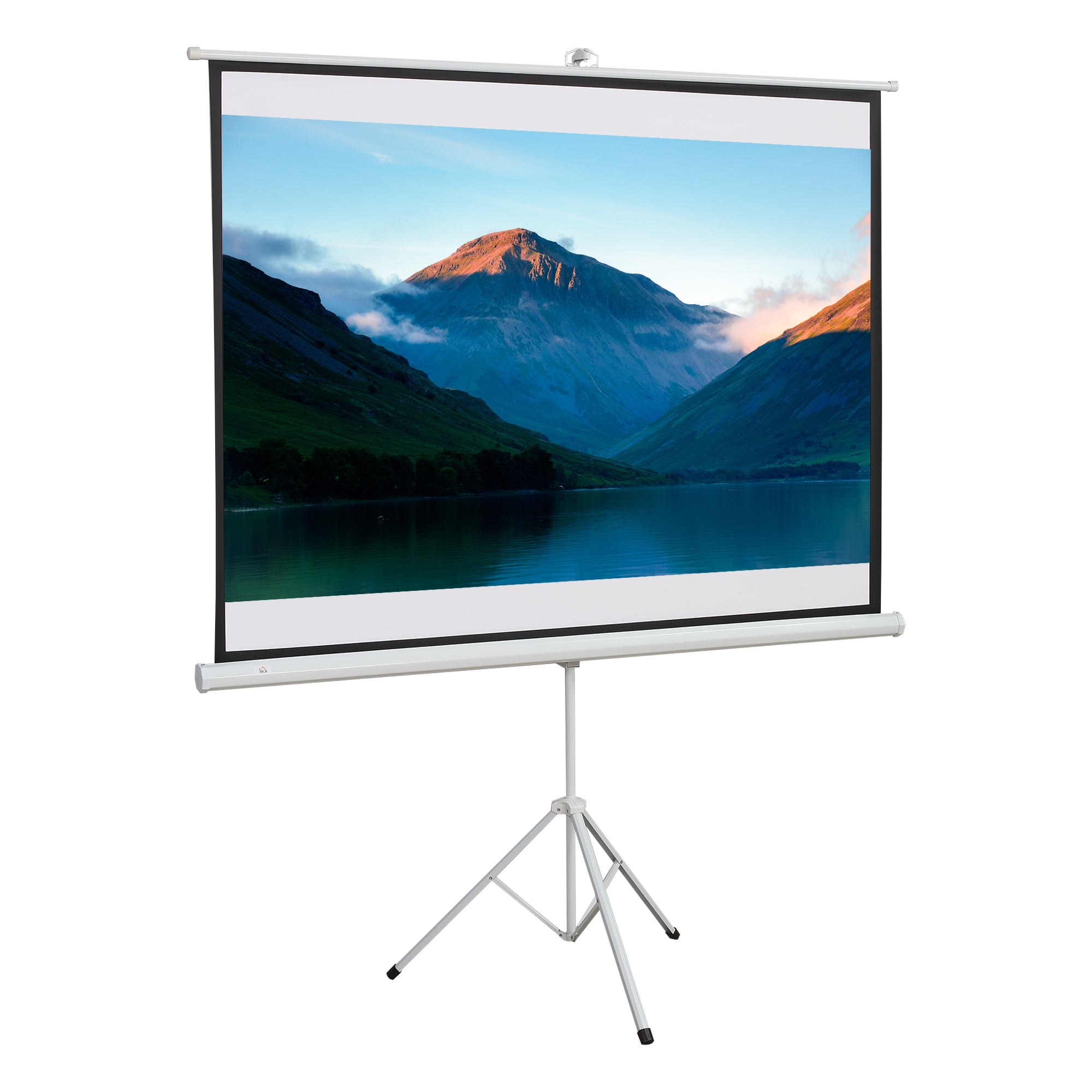
Explore portable projector screens and presentation accessories in different sizes, aspect ratios and installation configurations, including tripod-supported, wall-mounted and ceiling-mounted designs.
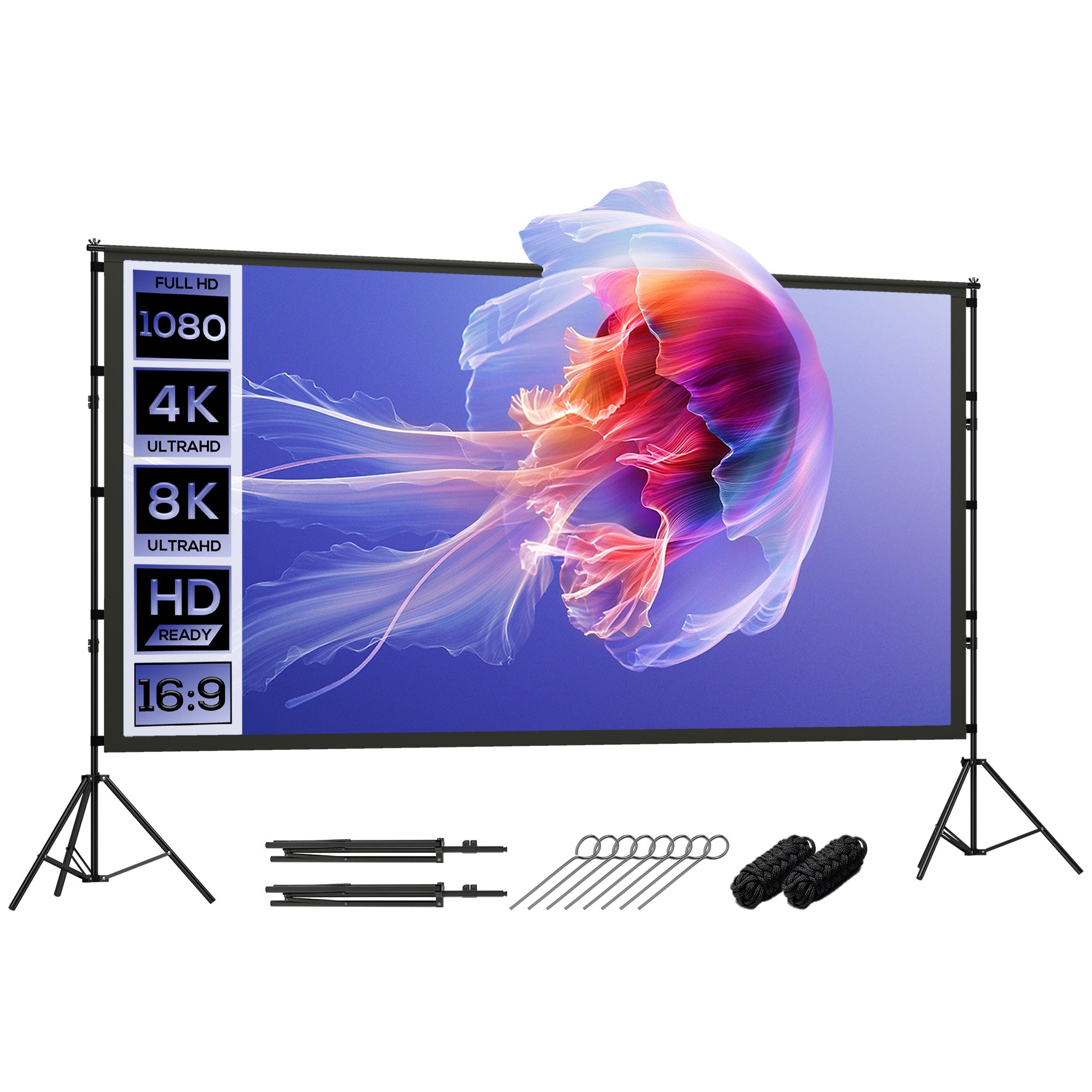
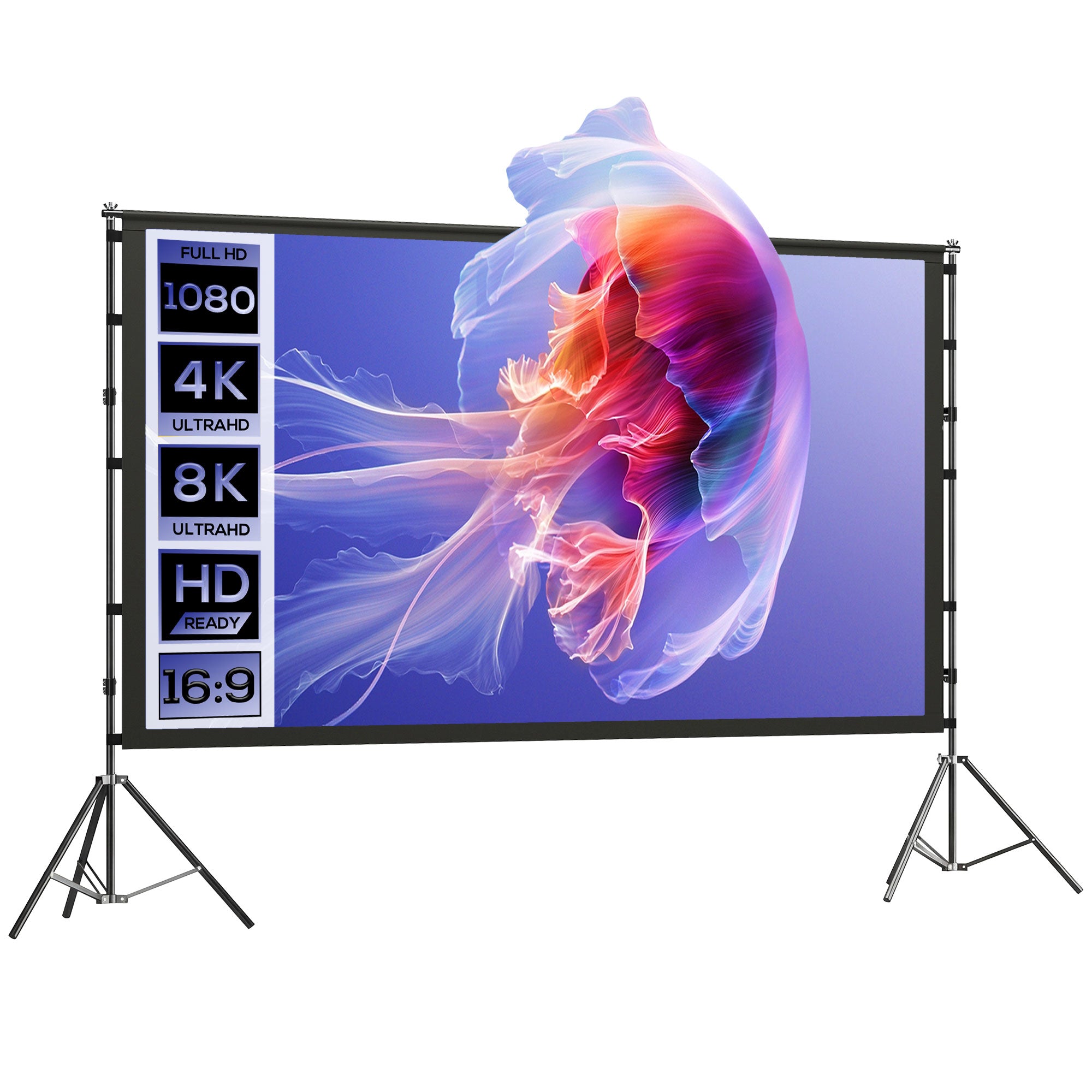
The current collection includes projector screens ranging from approximately 84 to 120 inches, with 4:3, 16:9 and 1:1 formats. Selected models feature adjustable-height tripod stands, foldable supports, double-sided projection fabric and viewing angles of up to 160°.
A portable tripod screen is particularly useful when presentations take place in different rooms. It can be positioned when needed and stored away after use. Wall-mounted and ceiling-mounted models offer a more permanent solution for dedicated meeting rooms, home cinemas and training areas.
Choose the Right Projector Screen Size and Format
Screen size and aspect ratio are two of the most important specifications when choosing a projection screen. The right combination depends on your projector, the type of content being displayed and the available viewing distance.
- 84-inch projector screens – A practical option for smaller rooms, compact presentations and home entertainment setups.
- 100-inch projector screens – Provide a larger viewing area for presentations, films and shared viewing.
- 120-inch projector screens – Offer an expansive display surface for larger rooms and group viewing.
- 4:3 aspect ratio – Commonly used for older presentation formats and certain business or educational materials.
- 16:9 aspect ratio – Widely used for modern video content, widescreen presentations and home cinema.
- 1:1 aspect ratio – Provides a square projection surface for compatible content and specific presentation requirements.
Before ordering, check the projector's native aspect ratio and supported resolution. A screen described as 4K/8K compatible does not itself create 4K or 8K image quality; the final picture depends on the projector, source content and installation.
Portable or Wall-Mounted: Which Projection Setup Works Better?
The installation method determines how easily a projector screen can be repositioned and how much permanent space it occupies.
- Tripod projector screens – Suitable for temporary presentations, training sessions and flexible indoor or outdoor setups where conditions permit.
- Foldable projector screens – Convenient for storage and transportation between different locations.
- Manual wall-mounted screens – Provide a fixed projection position and can be rolled away when not in use.
- Ceiling-mounted screens – Make use of overhead space and work well in dedicated presentation or entertainment rooms.
For portable models, check the unfolded dimensions, support structure and available adjustment range. For fixed installations, measure the mounting area carefully and confirm that the wall or ceiling can support the product using the specified fittings.
Whiteboards: Turn Ideas into Clear, Visible Information
Meetings, brainstorming sessions and everyday planning often involve information that needs to be shared quickly. A magnetic whiteboard provides a reusable writing surface for notes, diagrams, schedules and task lists, making it useful in both professional and educational environments.
Discover magnetic whiteboards and presentation boards for meetings and learning in different sizes, including wall-mounted, freestanding, double-sided and mobile designs.
Selected HOMCOM and Vinsetto whiteboards include aluminium frames, magnetic surfaces, marker trays, mounting fittings and accessories such as markers, erasers and magnets. Larger double-sided models can be rotated to reveal the opposite writing surface, while selected mobile versions can be moved between rooms.
Find a Whiteboard That Fits Your Working Environment
The most suitable whiteboard depends on where it will be used and how frequently it needs to be moved.
- Wall-mounted whiteboards – Keep the writing surface in a fixed position and avoid occupying valuable floor space.
- Freestanding easel whiteboards – Offer a flexible presentation setup for training, workshops and smaller meetings.
- Double-sided magnetic whiteboards – Provide two writing surfaces, useful when presenting several topics or comparing information.
- Mobile whiteboards – Make it easier to move presentation materials between rooms.
- Glass whiteboards – Offer a contemporary alternative to traditional framed writing boards.
For a shared meeting room, a larger board around 120 × 90 cm provides more room for diagrams and group discussions. Smaller boards around 60 × 45 cm are easier to accommodate in compact workspaces and study areas.
Check the complete dimensions, mounting method and included accessories before purchasing. If you plan to use magnets, confirm that the board has a compatible magnetic surface.
Make Planning More Visual with Magnetic Calendars
A whiteboard calendar provides a convenient way to keep appointments, deadlines and recurring activities visible. Instead of relying entirely on digital reminders, a wall-mounted planning board allows everyone in a shared space to see important dates at a glance.
Selected Vinsetto designs include magnetic calendar boards with marker holders, erasers and accessories. They can be used for weekly schedules, monthly planning, project deadlines and household organisation.
For a busy office, position the calendar where it can be easily viewed without interrupting the main working area. In a home office, it can also help separate personal appointments from professional commitments.
Presentation Easels and Display Stands: Give Information the Right Visibility
Not every presentation needs a digital screen. Printed information, posters, diagrams and visual references can be displayed effectively using a suitable easel or presentation stand.
Explore adjustable presentation stands and display easels for offices, classrooms, exhibitions and creative workspaces.
The collection includes adjustable A3 poster stands made with steel and aluminium components, as well as double-sided chalkboard easels with wooden frames. Selected display stands offer adjustable height and tilt, allowing the displayed material to be positioned at a suitable viewing angle.
A floor-standing poster holder can be useful for displaying notices, printed instructions or promotional materials, while a double-sided easel provides two usable surfaces for teaching, drawing and presentations.
Chalkboards and Easels for Creative Work and Learning
A reusable chalkboard offers a simple way to present information, practise writing, draw diagrams or encourage creative activities. Double-sided designs provide additional working space, while foldable structures make storage easier when the board is not in use.
Selected wooden-frame easels include magnetic surfaces, removable writing panels and accessories such as liquid chalk markers. These features make them suitable for different activities, from informal presentations to children's creative sessions.
When choosing an easel, consider the writing surface dimensions, overall height and stability of the frame. If the board will be used by children, check the manufacturer's recommended age range and ensure it is positioned securely during use.
Office Footrests: Add Support Beneath Your Desk
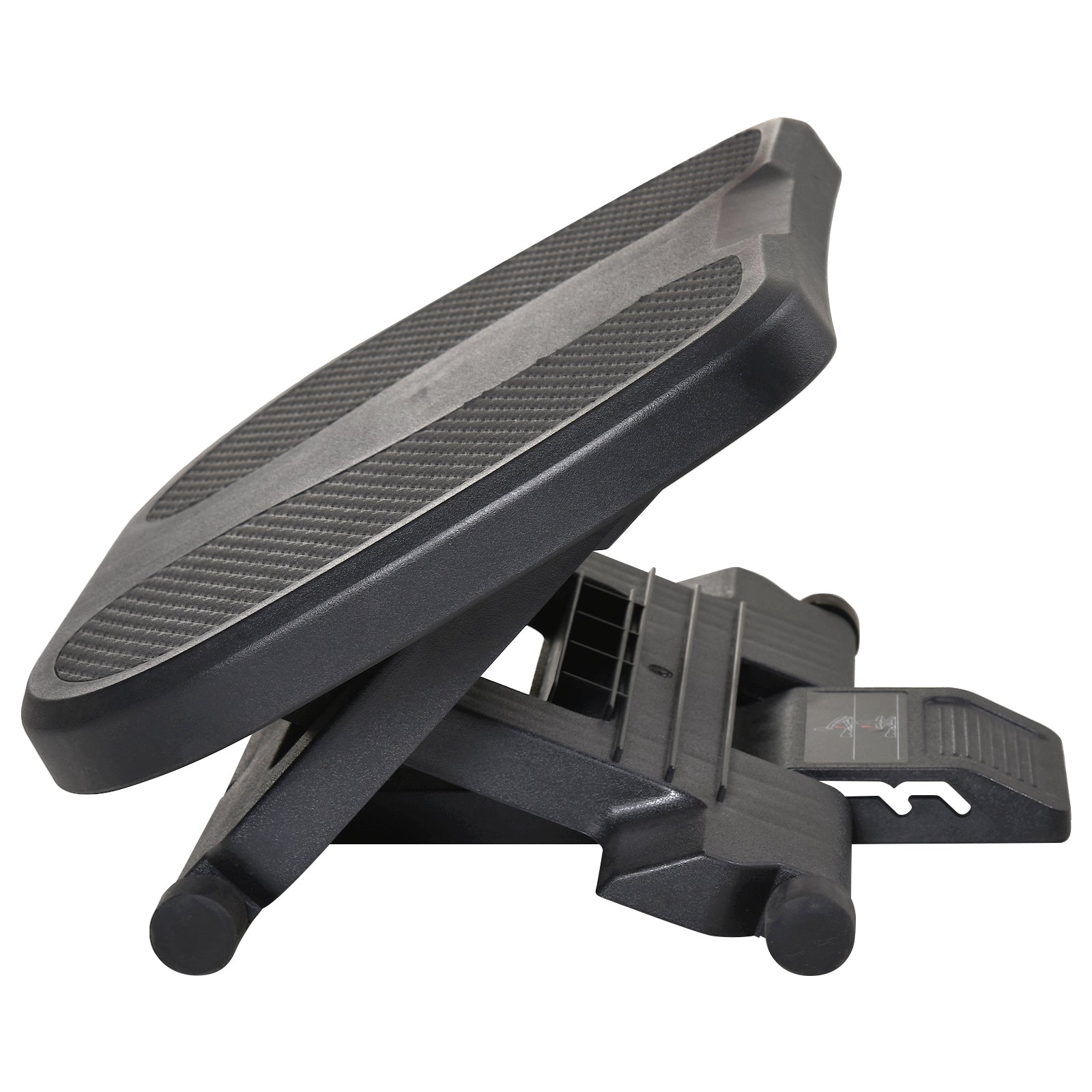
A desk setup involves more than the chair and tabletop. The position of your feet also influences how comfortably you sit. An office footrest provides an additional surface beneath the desk, helping users position their feet when the chair height or desk arrangement makes direct floor contact less comfortable.
Explore adjustable office footrests and ergonomic under-desk supports with different height settings, angled platforms and textured surfaces.
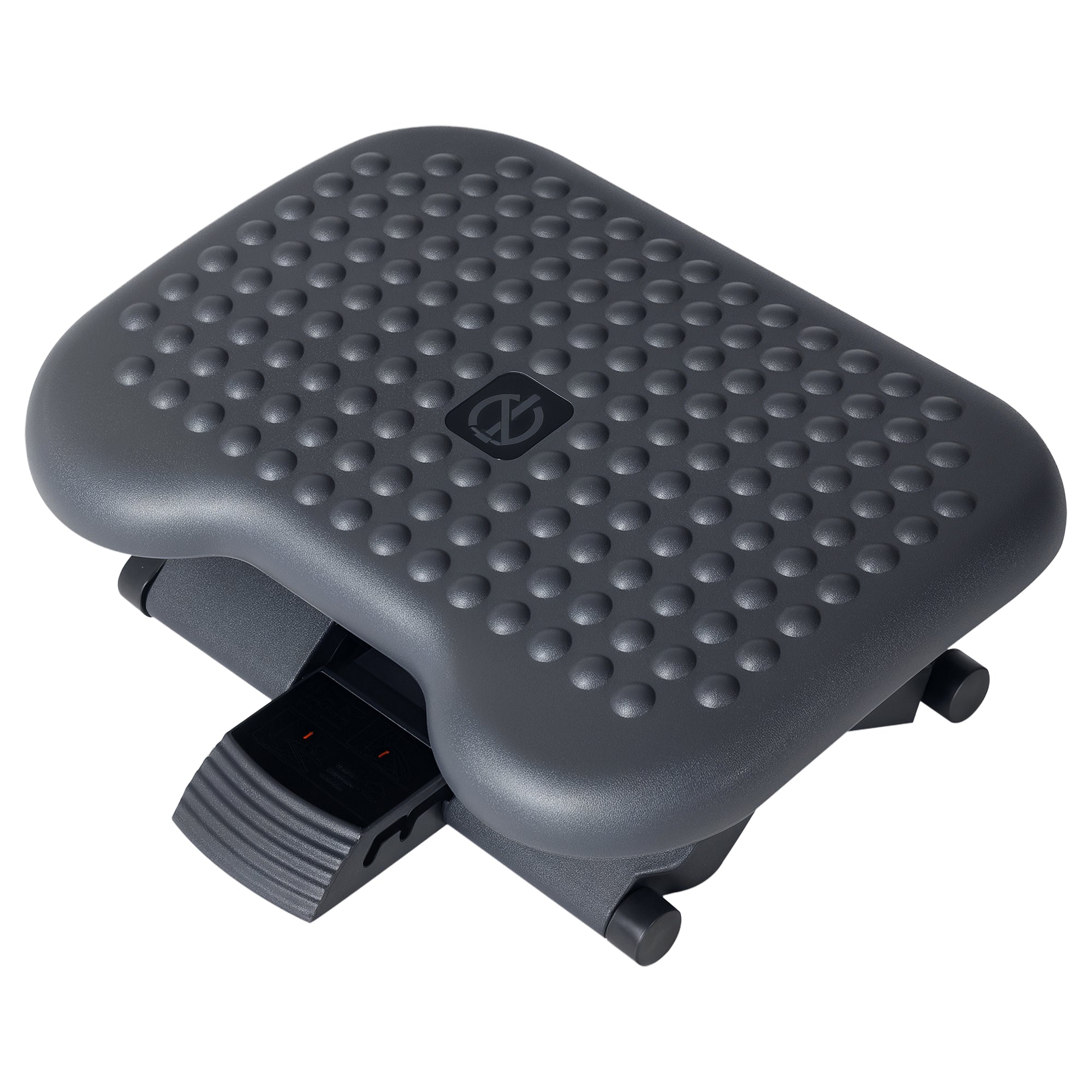
The current range includes footrests measuring approximately 46 × 35 cm, as well as selected three-position adjustable models. Some feature massage-style surface textures, while others offer adjustable tilt angles to accommodate different seating preferences.
How to Choose the Right Office Footrest
A suitable footrest should fit beneath your desk and provide a stable surface for your feet without restricting leg movement.
- Adjustable-height footrests – Allow the support height to be changed according to your chair and desk arrangement.
- Angled footrests – Provide a tilted surface that can accommodate different foot positions.
- Textured footrests – Feature raised surfaces designed to provide a different underfoot feel.
- Wide footrests – Offer more room to reposition both feet.
- Compact footrests – Fit more easily beneath desks with limited legroom.
Check the footrest dimensions and available height settings before purchasing. Ideally, it should allow your feet to rest comfortably without forcing your knees into an awkward position or interfering with the movement of your chair.
Office Chair Mats: Protect Your Flooring from Daily Wear
Office chairs with casters move repeatedly across the same area of flooring. Over time, this movement can contribute to scratches, scuffs and visible wear, particularly in workspaces where chairs are used frequently.
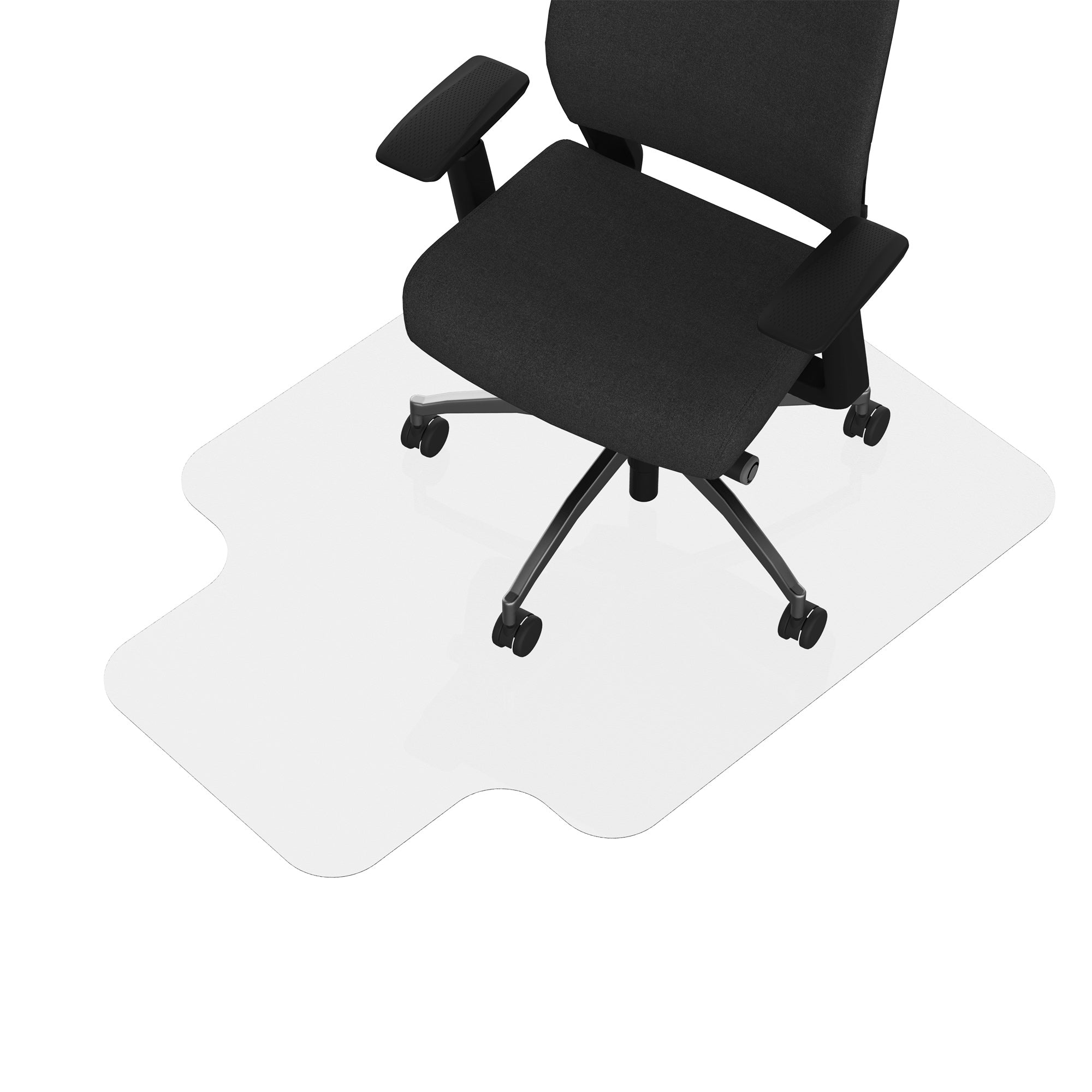
An office chair mat creates a protective surface between the chair and the floor. It can help reduce direct contact between the casters and the underlying flooring while providing a defined area for everyday chair movement.
The current collection includes HOMCOM chair mats measuring approximately 90 × 120 cm, with designs for carpeted and hard-floor environments. Selected models feature non-slip spikes for compatible carpet surfaces, while transparent versions are designed to protect suitable hard floors without visually dominating the room.
Choose a Chair Mat for Your Floor Type
The underside of a chair mat is just as important as its visible surface. Different flooring materials require different grip and support designs.
- Chair mats for carpets – Selected designs feature textured or spiked undersides to help keep the mat positioned on compatible carpet surfaces.
- Chair mats for hard floors – Smooth-backed designs are intended for compatible surfaces such as laminate, wood and tile.
- Transparent chair mats – Help protect the visible floor finish while allowing its appearance to remain noticeable.
- Large chair mats – Provide more movement space for wider office chairs and larger workstations.
Measure the area in which your chair moves before selecting a mat. Consider the chair base, caster movement and available space beneath the desk. Always check the manufacturer's floor compatibility instructions to avoid using an unsuitable backing on delicate flooring.
Combine Practical Accessories for a Better Workstation
Office accessories are most useful when they work together. A footrest can complement an adjustable chair, a chair mat can protect the floor beneath it, and a whiteboard or projector screen can support communication and planning.
For a coordinated setup, consider combining:
- Everyday desk comfort – An adjustable office footrest and a suitable floor-protection mat.
- Presentation equipment – A projector screen with a compatible projector and appropriate mounting arrangement.
- Meeting essentials – A magnetic whiteboard, markers and an adjustable display stand.
- Home office accessories – A compact footrest, chair mat and reusable planning board.
- Study and creative equipment – A double-sided chalkboard easel and suitable writing accessories.
Choosing accessories according to their intended use helps avoid unnecessary equipment and makes it easier to create a workspace that supports your daily activities.
Check Compatibility Before Purchasing
Small differences in dimensions and mounting requirements can determine whether an office accessory fits your existing setup. Before ordering, review the following details:
- Projector screens – Check screen diagonal, aspect ratio, mounting method and available installation space.
- Whiteboards – Confirm writing surface dimensions, magnetic compatibility and wall-mounting requirements.
- Footrests – Compare platform dimensions, height settings and available under-desk clearance.
- Chair mats – Confirm the intended floor type, mat dimensions and underside design.
- Presentation stands – Check supported display sizes, height adjustment and maximum load capacity.
- Chalkboard easels – Review the writing surface, frame dimensions and included accessories.
For wall-mounted products, use suitable fixings for the wall material and follow the supplied installation instructions. For freestanding equipment, check that the base is stable and that the product is positioned on an appropriate surface.
Simple Maintenance for Frequently Used Office Accessories
Regular cleaning helps preserve the appearance and functionality of office accessories, particularly products with frequently touched surfaces or moving components.
- Projector screens – Keep the projection surface free from dust and avoid touching or pressing the fabric unnecessarily.
- Whiteboards – Use compatible markers and clean the writing surface with an appropriate board cleaner or soft cloth.
- Chalkboards – Remove chalk or marker residue according to the board's material and cleaning instructions.
- Footrests – Wipe away dust and clean textured surfaces regularly.
- Chair mats – Remove dirt and debris before they accumulate beneath the chair's casters.
- Display stands – Check adjustment joints, supports and fastenings periodically.
Avoid harsh solvents and abrasive cleaning materials unless they are specifically approved for the product. For adjustable or folding accessories, check that locking components and support structures remain secure before use.
Complete Your Workspace with Practical Office Essentials
The right accessories help turn a basic workstation into a more functional environment. A footrest adds another level of seating adjustment, a chair mat helps protect the floor, and presentation equipment makes it easier to communicate ideas and share information.
You can also explore office desks and computer workstations for a suitable working surface, or browse ergonomic office chairs for everyday desk use to complement your setup.
Find the Details That Make Your Workspace Work Better
From a portable projector screen for presentations to a magnetic whiteboard for planning, an adjustable footrest for your desk or a protective mat beneath your chair, practical accessories can make everyday work easier to organise.
Explore the complete range of office supplies, workspace accessories and presentation equipment at Aosom EU and find useful additions for your home office, meeting room or study space.