
Office Desks
Build a Workspace That Works for You
A good workspace starts with a desk that gives everything its place. Your computer, monitor, keyboard, documents and everyday essentials all need enough room to work together without making the space feel crowded. Whether you are setting up a dedicated home office, creating a study corner in the bedroom or building a multi-screen gaming station, the right office desk can make your daily routine more organised and efficient.
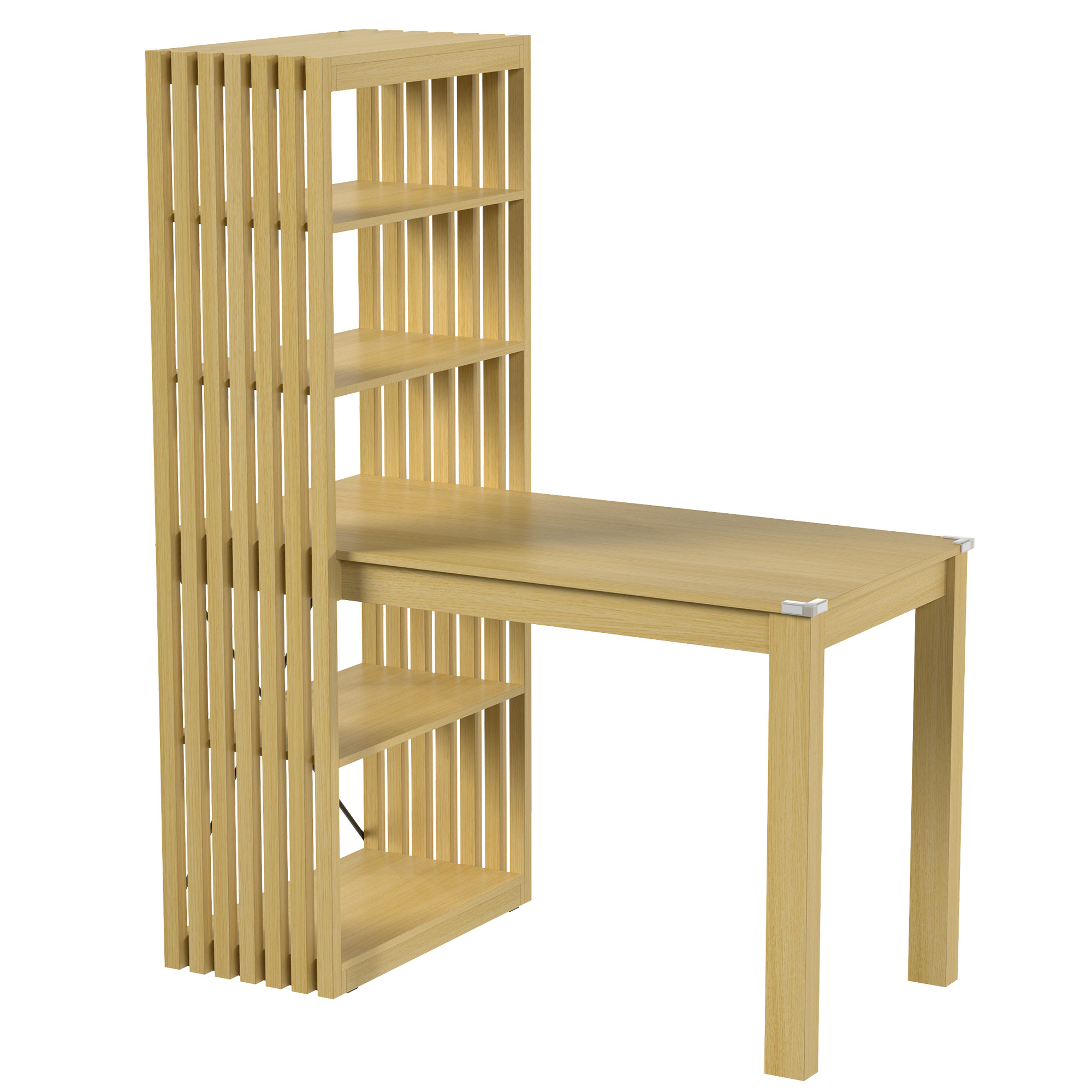
The Aosom EU collection brings together computer desks, writing desks, corner desks, gaming desks and height-adjustable standing desks. Discover practical layouts with integrated drawers, open shelving, monitor stands, keyboard trays and cable management features, designed to accommodate different rooms, working habits and equipment.
Choose a Desk Around the Way You Work
A desk should support the tasks you perform rather than simply fill an empty space. A compact writing desk may be sufficient for a laptop and notebook, while a larger computer workstation offers more room for multiple screens, accessories and documents.
- Everyday computer work – Computer desks with practical surfaces, drawers and cable management features.
- Writing and studying – Compact writing desks with accessible storage for books, stationery and documents.
- Gaming setups – Gaming desks with dedicated space for monitors, keyboards and gaming accessories.
- Flexible working positions – Height-adjustable standing desks for alternating between sitting and standing.
- Shared workspaces – Larger corner desks and modular workstations that accommodate more than one user.
Start with the equipment you actually use and the available room dimensions. This makes it easier to choose a desk with the right working surface, storage arrangement and proportions.
Writing Desks: A Dedicated Space for Everyday Tasks
A writing desk does not need to be complicated to be useful. For everyday computer work, studying, reading or managing paperwork, a straightforward desk with a well-proportioned surface can provide everything needed for an organised workstation.
Explore writing desks and compact computer tables for home offices featuring different widths, drawer configurations, open shelves and contemporary finishes.
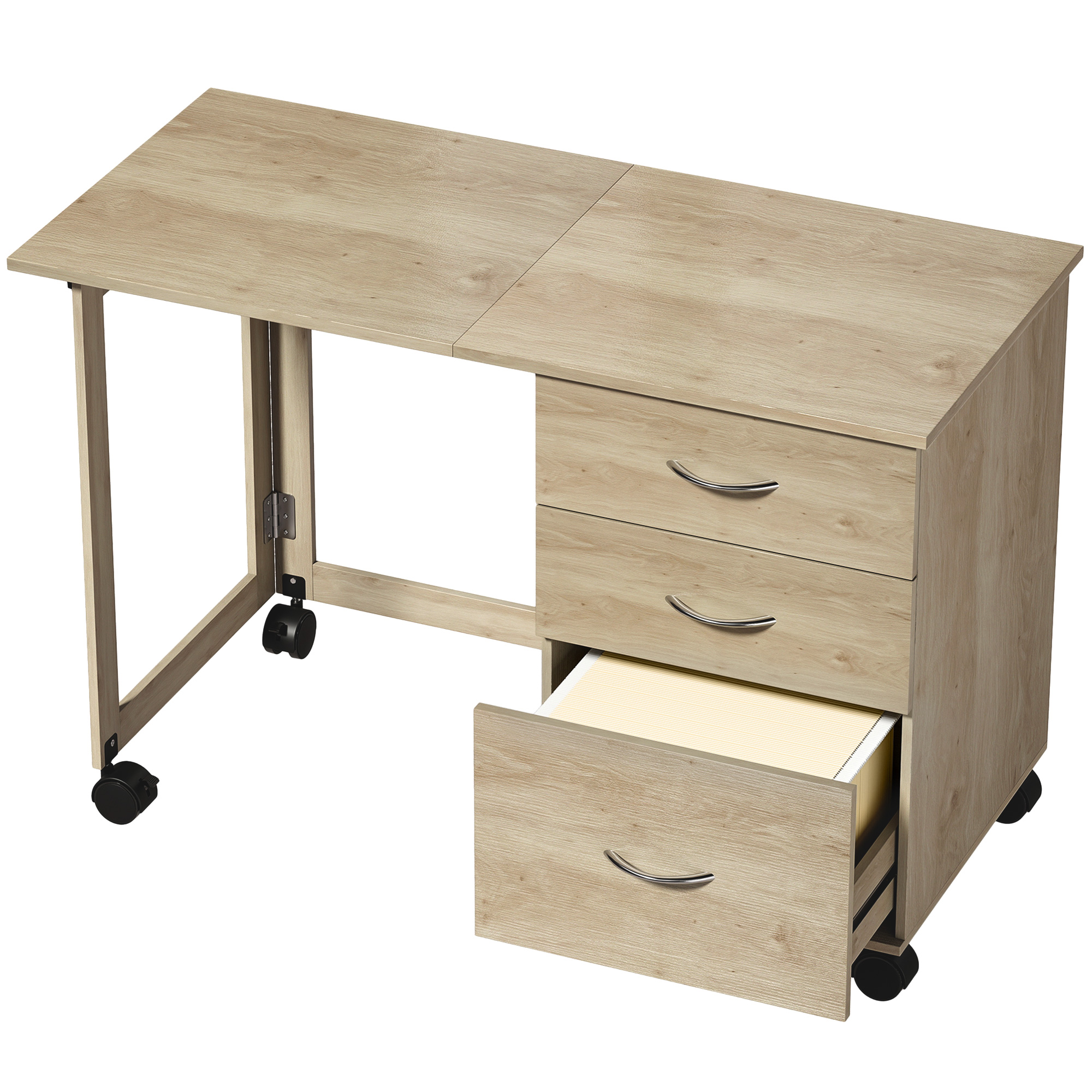
The current collection includes compact desks around 100 cm wide, larger 140–200 cm work surfaces, folding models and designs with integrated storage cabinets. Some also combine drawers and open shelving, making it easier to keep stationery, notebooks and everyday accessories close at hand.
For example, a compact 100 x 50 cm desk can provide a practical laptop workstation in a bedroom, while a wider 200 x 60 cm computer desk offers more room for multiple devices and documents.
Make Storage Part of Your Workstation
A desk with integrated storage can help keep the working surface clear without requiring additional furniture. Drawers are useful for smaller items such as stationery, cables and notebooks, while open shelves provide quick access to books, folders and equipment.
Selected HOMCOM desks combine two to four drawers with open shelving, cabinets or adjustable storage compartments. Some models also include a dedicated printer shelf, making them useful for workstations that need to accommodate more than a laptop.
- Drawer desks – Keep documents, stationery and small accessories out of sight.
- Open-shelf desks – Make frequently used books and equipment easier to reach.
- Desk and cabinet combinations – Add more enclosed storage alongside the working surface.
- Printer storage desks – Provide a designated area for printers and related accessories.
Before choosing a storage desk, check the internal dimensions of drawers and shelves. A desk may have several compartments, but they should be large enough for the items you intend to store.
Corner Desks: Turn an Unused Corner into a Working Area
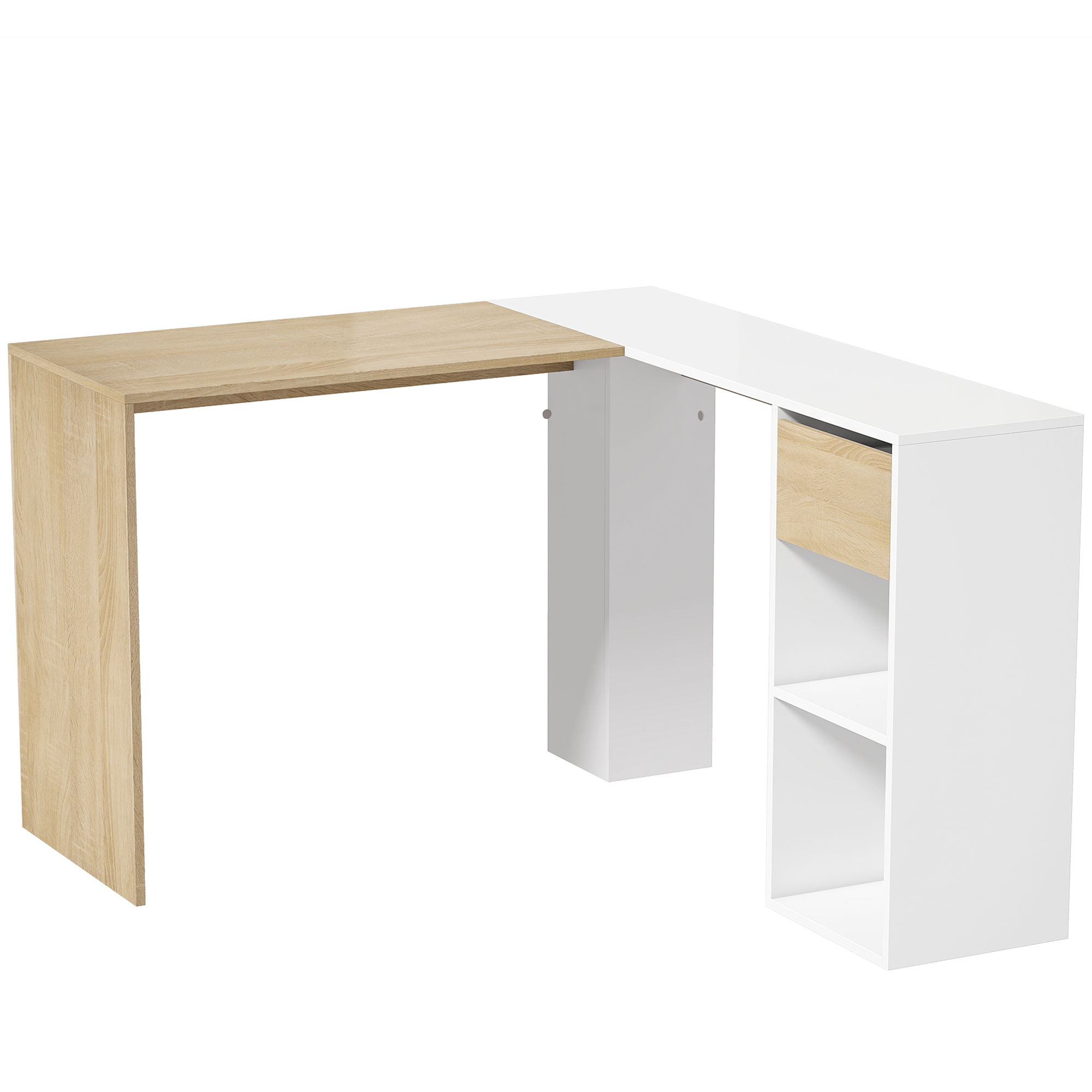
Not every room has enough space for a traditional rectangular desk positioned against a long wall. An L-shaped desk makes use of corner areas and creates two connected working surfaces, which can be particularly useful when your setup includes several devices or different work activities.
Discover L-shaped corner desks and space-efficient workstation designs with reversible configurations, adjustable shelves, drawers and integrated monitor stands.
The collection includes compact L-shaped desks for bedrooms and home offices, larger modular designs and reversible configurations that can be adapted to different room layouts. Selected models are designed for two users, providing separate working areas within one connected workstation.
An L-shaped desk can help separate computer work from writing, paperwork or creative activities. One side can accommodate your monitor and keyboard, while the other provides additional space for documents, accessories or a second workstation.
Reversible Corner Desks for More Flexible Room Layouts
A reversible desk allows the longer and shorter sections to be positioned according to the available room layout. This is particularly useful when doors, windows, radiators or other furniture limit where a desk can be placed.
Selected modular corner desks feature adjustable shelves and reversible layouts, with some models extending from approximately 168 cm to 240 cm in overall width. These configurations can accommodate different workstation arrangements and, on selected models, two users.
Before ordering, check whether the desk can be assembled in both orientations or whether the configuration is fixed. Also measure the full footprint, including the return section, to make sure the desk fits without obstructing movement around the room.
Standing Desks: Change Position Throughout the Working Day
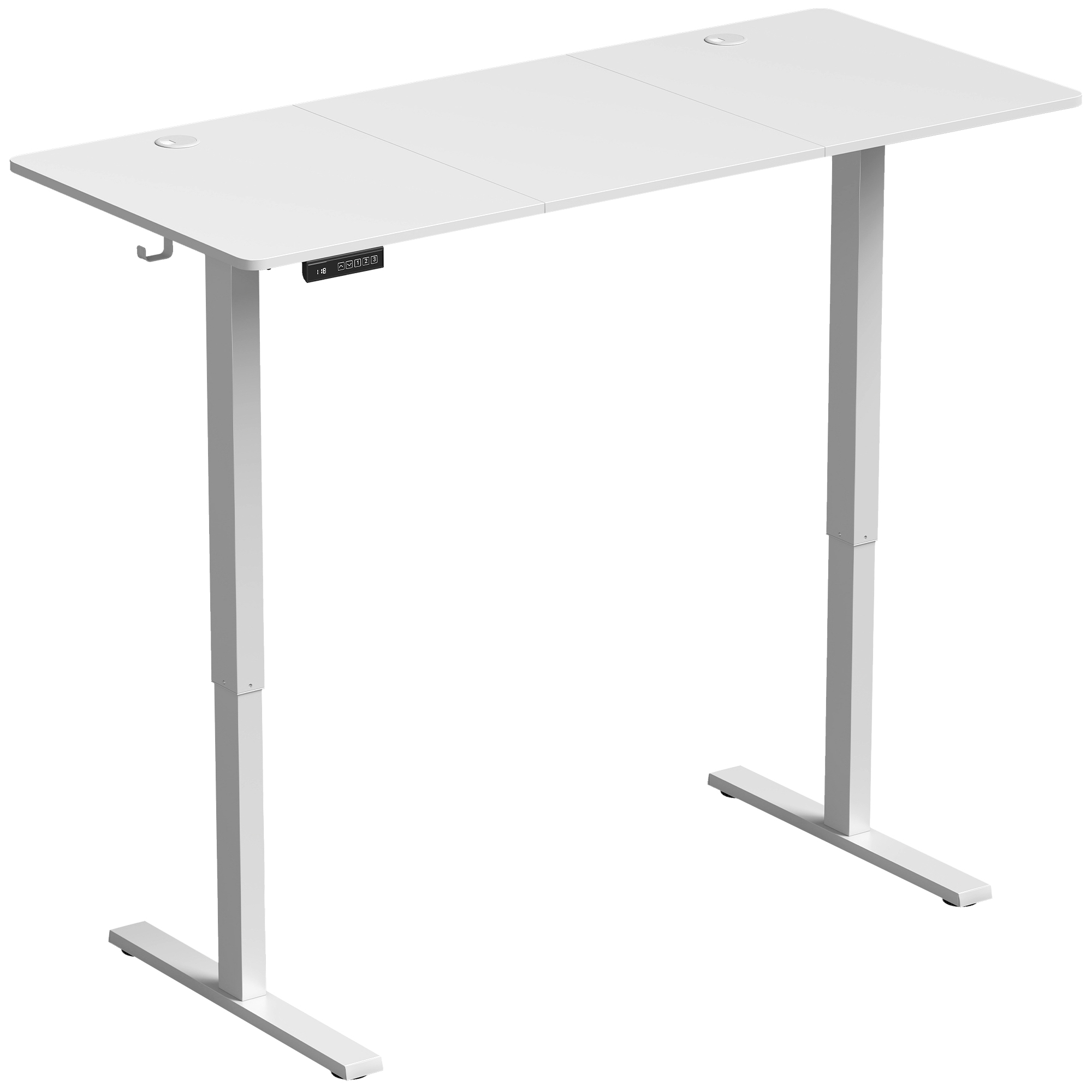
Working at a desk does not always mean remaining seated. A height-adjustable standing desk allows you to change the height of your working surface, making it possible to alternate between sitting and standing positions.
Explore height-adjustable standing desks for flexible workstations with manual crank systems, pneumatic adjustment, mobile bases and adjustable tabletop designs.
The current range includes manual standing desks with hand-crank adjustment, pneumatic models with height ranges such as 75–114 cm, and compact mobile laptop desks with adjustable heights. Selected designs also feature tilting tabletops, keyboard trays and safety-stop mechanisms.
A manual crank provides direct mechanical height adjustment, while pneumatic systems use a gas-assisted mechanism. The right option depends on how frequently you plan to change the desk height and the adjustment range you need.
Manual or Pneumatic: Which Standing Desk Should You Choose?
Different height-adjustment systems offer different operating experiences. Comparing the adjustment range and mechanism can help you find a desk that suits your preferred working positions.
- Hand-crank standing desks – Use a manual handle to raise or lower the tabletop, offering direct mechanical adjustment.
- Pneumatic standing desks – Use a gas-assisted mechanism to adjust the working height with less manual effort.
- Mobile standing desks – Combine adjustable height with wheels, making them useful for flexible working arrangements.
- Tilting-top desks – Allow the work surface angle to be changed on selected models, particularly useful for laptop work and reading.
Check both the minimum and maximum height before purchasing. Your ideal working height depends on your own proportions, whether you are sitting or standing, and the type of chair or foot support used alongside the desk.
Gaming Desks: Create Space for Your Complete Setup
A gaming desk needs to accommodate more than a monitor and keyboard. Depending on your setup, you may also need room for a gaming PC, speakers, controllers, headsets and additional screens.
Explore gaming desks designed for computer and gaming setups with monitor stands, reversible L-shaped layouts and dedicated accessory space.
Selected HOMCOM gaming desk designs feature L-shaped working surfaces, monitor risers and adjustable mesh shelves. These configurations help separate the main screen area from accessories and provide additional room for gaming equipment.
When selecting a gaming desk, pay attention to the usable tabletop dimensions, monitor stand height, legroom and overall load capacity. Make sure the surface can accommodate your equipment without placing excessive weight on a single section.
Monitor Stands and Keyboard Trays: Make Better Use of the Desktop
The arrangement of equipment on a desk can influence how much usable space remains. Integrated monitor stands raise screens above the main surface, while pull-out keyboard trays create additional room for writing and other activities when the keyboard is not in use.
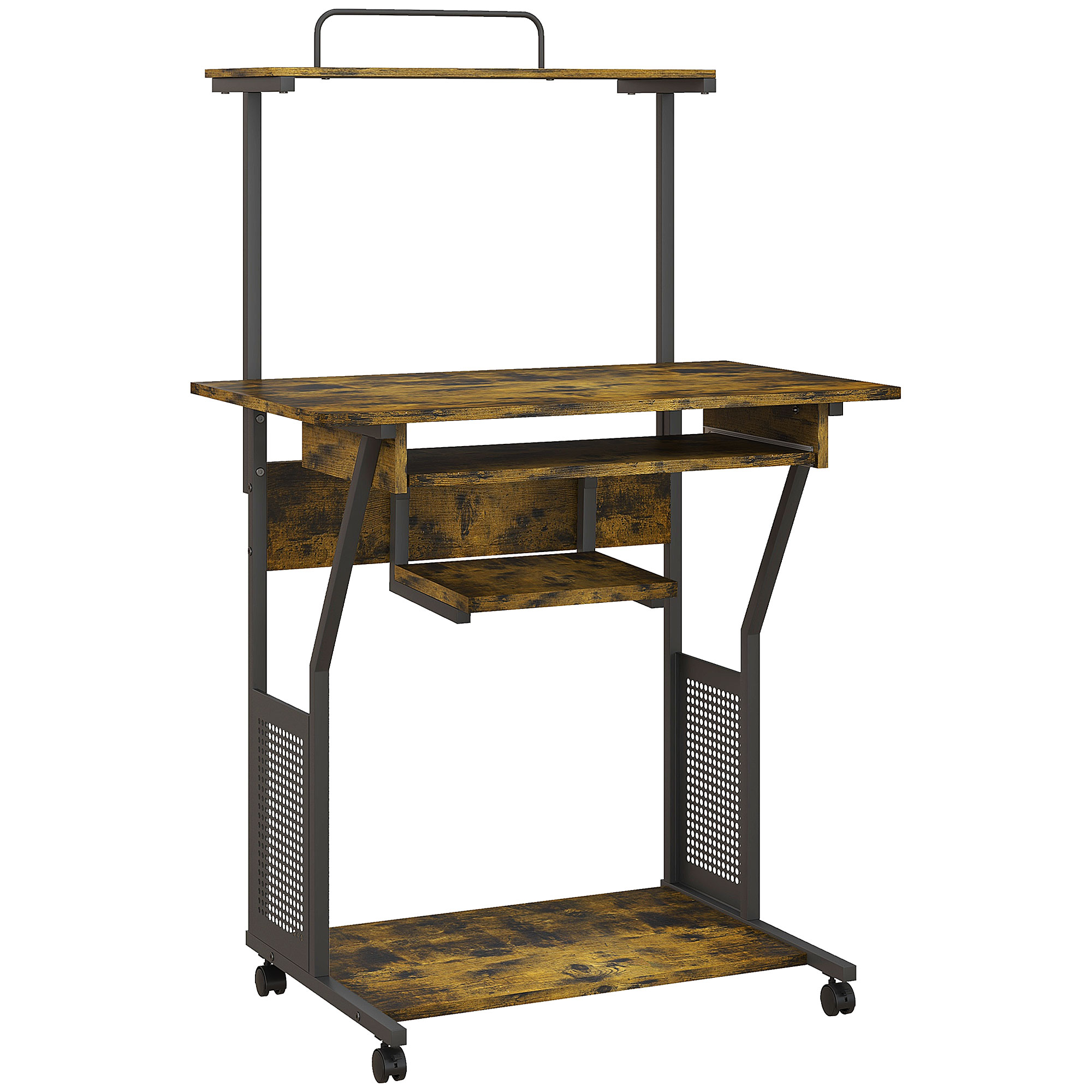
Selected office desks in the collection feature monitor risers, pull-out keyboard shelves, CPU holders and dedicated printer stands.
- Monitor risers – Create an elevated screen position and additional space underneath for smaller accessories.
- Keyboard trays – Provide a separate keyboard position and can free up the main desktop.
- CPU holders – Create a dedicated location for compatible desktop computer towers.
- Printer shelves – Keep printing equipment separate from the primary working area.
- Headphone hooks – Provide an accessible place to hang headphones when not in use.
Check the dimensions and load capacity of each integrated feature. A monitor riser should accommodate the screen base, while a CPU holder needs to match the size and weight of your computer case.
Keep Cables Under Control for a Cleaner Setup
Power cables, monitor connections, chargers and peripheral wires can quickly make a workstation look cluttered. A desk with cable management features can help keep these connections organised and reduce the number of loose cables across the working area.
Selected computer desks include cable management openings, dedicated cable-routing areas and integrated storage compartments. These features help direct cables towards power outlets while keeping the desktop more organised.
When planning your setup, consider where the power sockets are located and how far the desk will sit from the wall. Leave sufficient cable length for adjustable or mobile desks, and avoid placing cables where they could become trapped by moving components.
Folding Desks: Create a Workspace Only When You Need One
For homes where a dedicated office is not possible, a folding desk offers a practical alternative. It provides a working surface when needed and can be folded away or repositioned when the room needs to serve another purpose.
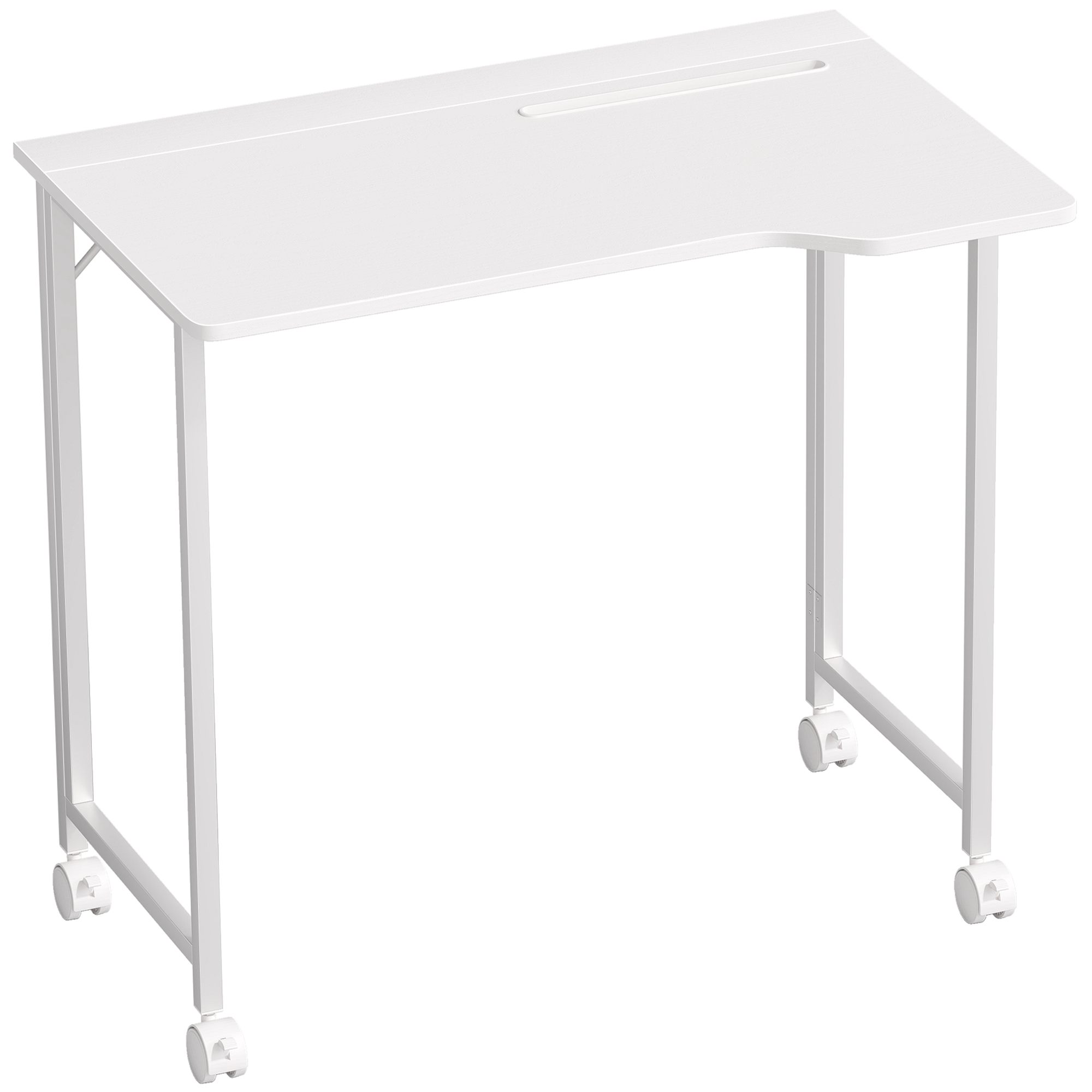
Discover compact folding desks with integrated shelves, storage pockets and rolling frames. Selected models feature folding tabletops, lightweight structures and wheels for easier repositioning.
A folding desk can work particularly well in bedrooms, guest rooms and smaller apartments where the same area is used for several activities. Some designs also feature shelves or side pockets, allowing frequently used accessories to remain organised.
Before purchasing, check the folded and unfolded dimensions, the locking mechanism and the stated weight capacity. Always ensure the desk is fully secured in its working position before placing equipment on it.
Choose the Right Desk Size for Your Equipment
The working surface should provide enough room for your equipment without making the room difficult to move around. A desk that is too narrow may leave little space for documents or accessories, while an oversized model can dominate a smaller room.
Use the following as a general starting point when comparing desk dimensions:
| Desk width | Typical use | What to consider |
|---|---|---|
| 80–100 cm | Compact laptop workstation | Suitable for basic computer tasks and smaller rooms |
| 100–120 cm | Everyday home office | Provides additional room for a monitor and accessories |
| 120–140 cm | Computer and writing workstation | Allows more space for documents and peripherals |
| 140–200 cm | Multi-device workstation | Useful for larger screens, multiple monitors and additional equipment |
These are general planning references rather than fixed ergonomic standards. Actual usable space depends on desk depth, frame design, monitor size and integrated storage features. Always check the complete product measurements before ordering.
Materials and Frame Construction: What Should You Look For?
The tabletop and supporting frame influence the desk's appearance, stability and everyday maintenance. Aosom's current collection includes wood-effect and MDF surfaces, metal frames and combinations of wood-look finishes with black steel structures.
- MDF and engineered wood – Used for many contemporary computer desks, offering different finishes and practical surface designs.
- Metal frames – Provide structural support and are commonly paired with wood-effect tabletops.
- Wood-effect finishes – Offer a range of appearances, including natural oak, rustic brown, walnut and white.
- Adjustable feet – Help selected desks accommodate minor differences in floor level.
Check the stated maximum load capacity and the construction of the frame, particularly for large corner desks and multi-monitor workstations. A desk's overall dimensions do not automatically indicate how much weight it can support.
Set Up a Study Area That Works Beyond the Classroom
A dedicated desk can also make everyday studying and creative activities easier to organise. A suitable working surface provides room for books, notebooks, a laptop and stationery without requiring the entire bedroom or living area to become a study space.
For students and shared family workspaces, consider a desk with drawers or shelves to keep school materials accessible. A compact writing desk can fit into a bedroom, while a larger workstation provides more flexibility for computer-based learning and creative projects.
If the room has limited floor space, a folding desk or reversible corner desk can help make better use of the available layout.
Match Your Desk with the Right Office Chair
A desk and chair work best when their dimensions complement each other. The desk should allow comfortable arm positioning, while the chair should provide enough adjustment to accommodate the working height.
Explore ergonomic office chairs for comfortable desk work to complement your workstation. Adjustable seat height, lumbar support and suitable armrests can help create a more practical arrangement for everyday computer tasks.
Check that the chair can slide beneath the desk without its armrests hitting the tabletop or frame. Also consider legroom, drawer placement and the position of any crossbars underneath the desk.
Plan Your Workspace Before Assembly
A desk can look very different once assembled, particularly when it includes side shelves, drawers or an L-shaped return. Measuring the room beforehand helps avoid problems with doors, walkways and nearby furniture.
- Measure the available wall length and floor depth.
- Check the desk's full dimensions, including side shelves and extensions.
- Allow enough room for the chair to move backwards and forwards.
- Check whether drawers and cabinet doors can open fully.
- Identify the nearest power outlets and plan cable routes.
- Confirm the desk can be carried through the entrance and assembled in the intended room.
Follow the assembly instructions and use the supplied fittings. Larger desks and corner workstations may be easier to assemble with assistance. Once assembled, check that the frame is stable and all connections are properly secured before use.
Keep Your Desk Ready for Everyday Work
A well-maintained desk provides a more consistent working surface and helps protect its finish over time. Simple care is usually enough for everyday maintenance.
- Desktop surfaces – Remove dust and clean spills promptly using a soft, slightly damp cloth where suitable.
- Drawers and runners – Avoid overloading drawers and check that moving components operate smoothly.
- Metal frames – Wipe away dust and moisture to maintain the surface finish.
- Adjustable mechanisms – Check height-adjustment components and locking mechanisms according to the instructions.
- Folding structures – Inspect hinges, locking points and support components regularly.
- Cable management – Keep cables organised and away from moving or load-bearing parts.
Avoid placing excessive weight on unsupported edges or shelves. Use suitable desk mats or protective surfaces when working with materials that could scratch or stain the tabletop.
Create a Workspace That Grows with Your Routine
Your workspace does not have to remain the same forever. A laptop-based setup today may eventually need room for additional monitors, documents or specialist equipment. Choosing a desk with the right dimensions, adaptable storage and practical features can make it easier to accommodate changing requirements.
Whether you need a compact writing desk, a spacious L-shaped workstation, a dedicated gaming desk or a height-adjustable standing desk, explore the complete range of office desks and computer desks at Aosom EU to find a practical foundation for your home or professional workspace.